
Focus on who actually uses it
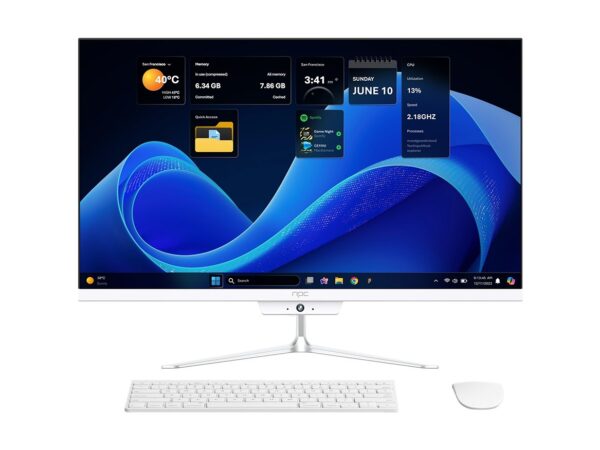
If you’re a PM, diseñador, or engineer building a smart TV OS, start by asking: what does the user want to do right now? Users want a channel fast, subtitles that don’t lag, apps that open sin drama. Don’t start with “we need features” — start with scenarios: abuela wants big text, the kid wants fast game mode, guests want a guest Wi‑Fi flow. Coordinate early with hardware partners — a reliable monitor manufacturer makes a huge difference for color, latency, and real-world QA, so include them in early sprint planning.
Turn needs into journeys, not specs
Write journeys that read like micro-stories: entering the room, turning on the TV, finding a show, pausing to read subtitles. For each journey, list measurable success metrics: time to first frame, navigation taps to play, subtitle sync within 100 ms. Prioritize by frequency and frustration — noble tech that users never touch is wasted esfuerzo. Use simple prototypes with clickable screens before you code the kernel-level stuff.
Design choices users actually feel
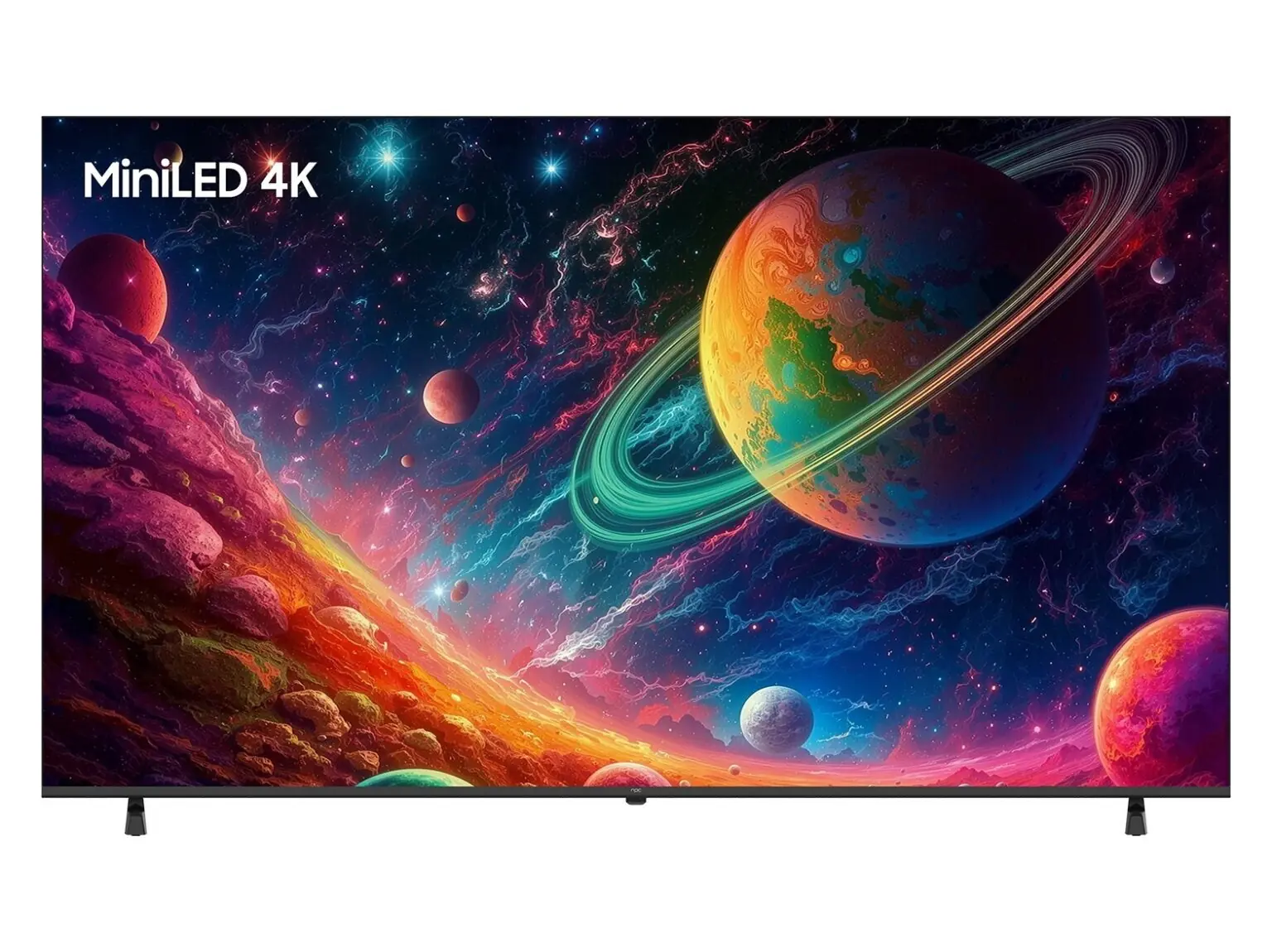
Latency, discoverability, and error recovery are what people notice. Keep remote interactions under 200 ms, show persistent context (what app was last used), and offer a clear escape when an app freezes. Small touches matter: large hit targets for older users, quick-access volume and input buttons, and clear language toggles with Spanish options when relevant — claro, it helps retention in Mexican‑market deployments.
Validation, testing, and common mistakes
Real testing beats theoretical QA. Run sessions in living rooms, not labs: observe how people pause to check phone notifications, or how kids mash buttons. Common mistakes are assuming ideal lighting, ignoring IR vs. Bluetooth remote behavior, and skipping degraded‑network scenarios. Test app updates that happen while streaming — rollbacks must be safe. Automate smoke tests for boot, input, and network reconnects, and keep manual runs for UX flows.
Experience, authority, and one industry anchor
I’ve shipped platform updates for TV products across LATAM and worked with design and test teams for over seven years, so I know what breaks in production and what users forgive. At CES in Las Vegas the last few years manufacturers demoed high‑refresh panels and integration tweaks that impact everyday viewing, and those demos made clear how a quality computer display changes perceived responsiveness — that lesson informs architecture choices like buffering and compositor design.
Final synthesis — the user leads delivery
Start with the person, map journeys to measurable outcomes, lean on hardware partners early, and test where people actually use the TV. Do that and you’ll ship an OS people use happily, sin complicaciones — and you’ll find suppliers like npc fit naturally into that flow because they solve concrete integration needs rather than sell buzzwords.