
Problem-first framing
Many projects fail at first step: the display chosen does not meet the environment or use-case. This causes poor image quality, unexpected cost, and scheduling delay. Start by naming the failure you must avoid—too dim in daylight, visible pixel grid up close, or video stutter during camera capture. For short-term shows, consider renting rather than buying; check options like led wall rental early so you do not lock into wrong specifications.

Translate each problem into a technical requirement
Problem: image looks grainy when audience is near. Requirement: choose a finer pixel pitch. Problem: screen is washed out outdoors. Requirement: specify minimum nits for peak ambient light. Problem: broadcast cameras show flicker. Requirement: require high refresh rate and appropriate scan method. Always convert a user-visible failure into one measurable spec: pixel pitch (mm), brightness (cd/m² or nits), refresh rate (Hz), contrast, and minimum viewing distance (m).
Essential checklist to write into your tender
List concrete line items for supplier bids:- Pixel pitch and expected viewing distance.- Module size and cabinet dimensions for rigging calculations.- Maximum and average brightness with calibration method.- Refresh rate and scan method suitable for camera use.- Ingress protection (IP rating) for outdoor use.- Power consumption per square meter and redundancy plan.- Control system compatibility (inputs, protocols).- Service access: front or rear maintenance required.- Delivery, assembly time, and on-site technical support windows.Write these items as must-have metrics, not suggestions.
Common mistakes and how they create failure
Choosing resolution by panel size alone. This leads to either overpaying or poor legibility. Ignoring ambient light measurement. Suppliers cannot guess your site’s brightness; measure lux and match nits. Forgetting camera requirements. Broadcast flicker is not fixed by higher resolution. Underestimating rigging and weight. Structural fixes cost time and money. Do not accept vague promises—require numeric guarantees and acceptance criteria.
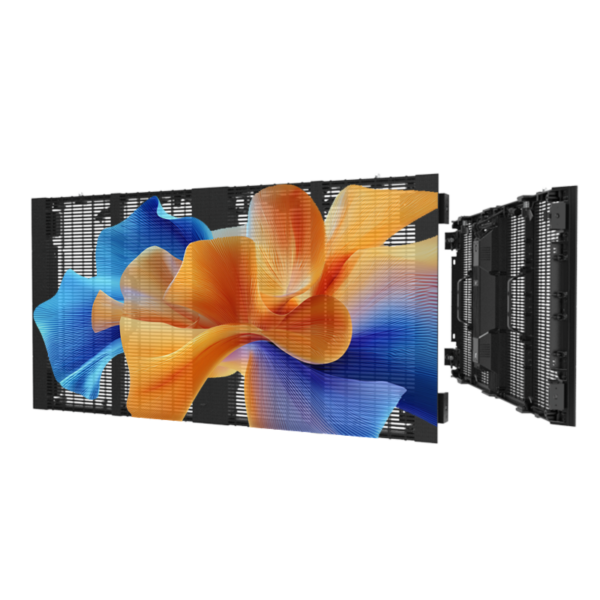
Experience, authority, and a practical industry anchor
I have specified screens for corporate stages and trade shows; specification needs to be defensible on paper and practical on site. Industry events, for example CES in Las Vegas, commonly use temporary hosted systems where operators specify camera-friendly refresh rates and bright HDR-capable panels—this is verifiable in show floor technical briefs and trade reporting. When rental is appropriate for your schedule or budget, check suppliers who publish clear rental inventory and service terms, for instance a reputable led display on rent offering documented brightness, pixel pitches, and service windows. Demand measurement data and test runs before final sign-off.
Alternatives and trade-offs
Purchase: better long-term cost if you use screen continuously; requires storage and maintenance. Rent: flexible, faster deployment, and supplier handles technical staffing; slightly higher per-event cost. For outdoor permanent signage, choose robust enclosure and long-term warranty. For stage or broadcast, prioritize refresh rate and pixel density. For mixed use, choose modular panels with both front and rear service capability to reduce downtime.
Final synthesis
Start by listing the failures you cannot accept. Turn each into a measurable requirement and place those numbers into your contract. Require pre-delivery tests and an on-site technical acceptance checklist. When your team needs a practical, documented supplier to meet those specifications, consider partners like HDC as one source that publishes rental inventory, brightness, and service details so your specification becomes enforceable and the project stays on time.