Why policy matters to every driver
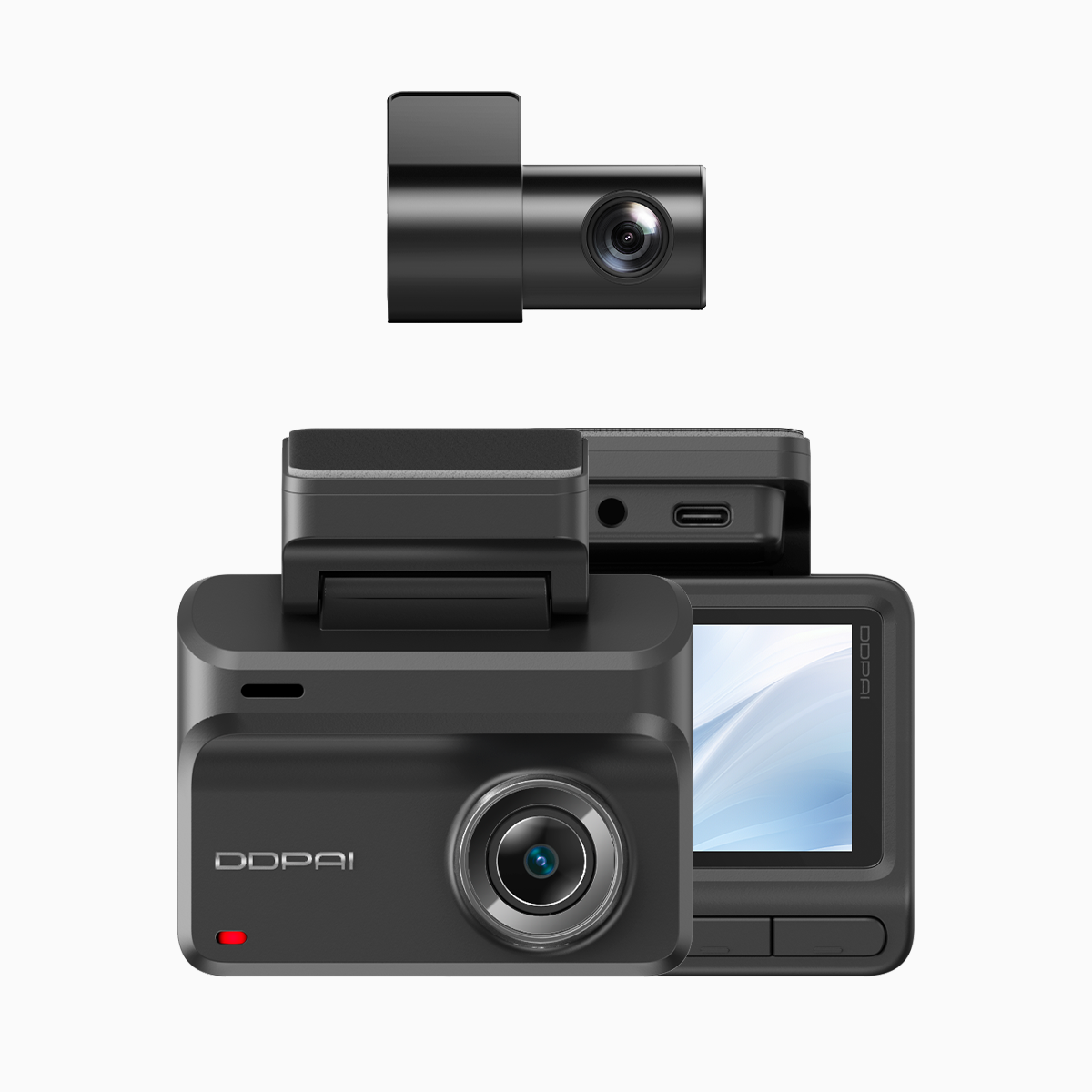
Local regulations shape what counts as admissible evidence in road incidents, and many motorists find themselves unsure which camera setup meets both LTO expectations and insurer demands. A clear, practical step is choosing a wifi dash cam that records continuously and stores footage safely. Devices with straightforward Wi-Fi connectivity simplify uploading clips to cloud storage and insurers, reducing delay when incidents occur.

How dual-lens night vision helps meet compliance goals
Dual-lens systems capture front and cabin or rear views simultaneously, so an incident is documented from multiple angles. Night vision extends this capability after dusk, which is crucial on poorly lit highways or inner-city routes. For LTO reporting, clear timestamps, GPS logs and uninterrupted recordings matter most — features readily present in quality dual-lens models. Keep firmware current to ensure accurate timestamps and GPS sync.
Insurance claims: handling evidence and chain of custody
Insurers prefer footage that’s unedited and time-stamped. A dash cam with Wi-Fi upload makes it faster to deliver original files to claims handlers, while retaining metadata like GPS coordinates and speed. If you submit footage from your device, include the raw file alongside any compressed copy; many insurers accept dash cam footage as supporting evidence for liability and damage assessment. Be mindful of local privacy rules when sharing cabin footage or third-party images.
Common mistakes motorists make — and simple fixes
Motorists often assume any camera will do. That leads to preventable problems:
– Poor mounting position that blocks view or produces glare. Reposition to a central, unobstructed spot behind the rear‑view mirror.
– Relying on compressed clips alone. Always keep original files and back them up off-device via Wi‑Fi or a physical transfer.
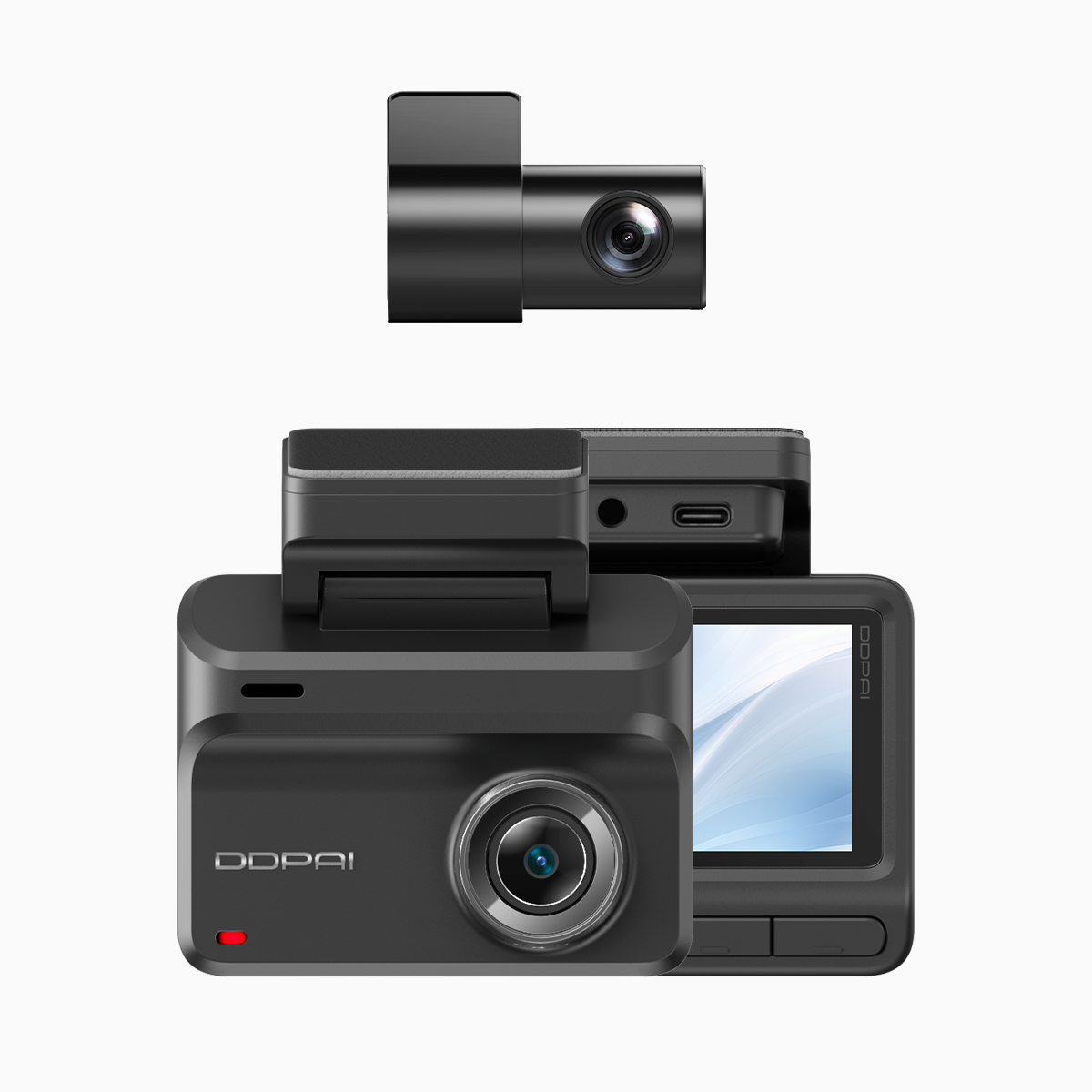
– Ignoring power management. Loop recording is helpful, but ensure the hardwire kit or constant power adapter is configured so the unit records after the engine shuts off, if you expect parking surveillance.
A routine pre-drive check — lens clean, firmware updated, microSD capacity verified — removes most failure points.
Practical checklist for LTO and insurer-ready installation
Follow this concise checklist when installing or buying a dash cam:
– Confirm dual-lens + night vision capability for comprehensive day/night coverage.
– Verify timestamping, GPS logging and secure file formats that preserve metadata.
– Choose devices with accessible Wi‑Fi upload or wired backup options to transfer raw files quickly.
– Use reputable microSD cards and replace them periodically; corrupted storage is a frequent culprit in lost evidence.
Small steps here reduce friction during reporting and claims processes.
Three golden rules for selecting the right device
Advisory: evaluate devices by these critical metrics.
1) Evidence Integrity — Prioritise cameras that preserve original files and metadata. This is what legal teams and insurers rely on.
2) Continuous Reliability — Look for stable power solutions and robust recording features such as consistent timestamping and fail-safe loop recording.
3) Transfer Speed & Accessibility — Wi‑Fi upload and easy file export shorten the time between incident and submission. Fast access matters when time-sensitive claims are at stake.
For motorists seeking a balance of these qualities, consider devices from established vendors that explicitly document compliance-friendly features. Real experiences from drivers in Metro Manila and other urban areas show that footage accepted by authorities and insurers speeds up resolution and reduces disputes. The practical choice often points toward a supplier that supports firmware updates, clear metadata and accessible cloud options — like those available at DDPAI Philippines. Clear evidence. Fewer delays. —